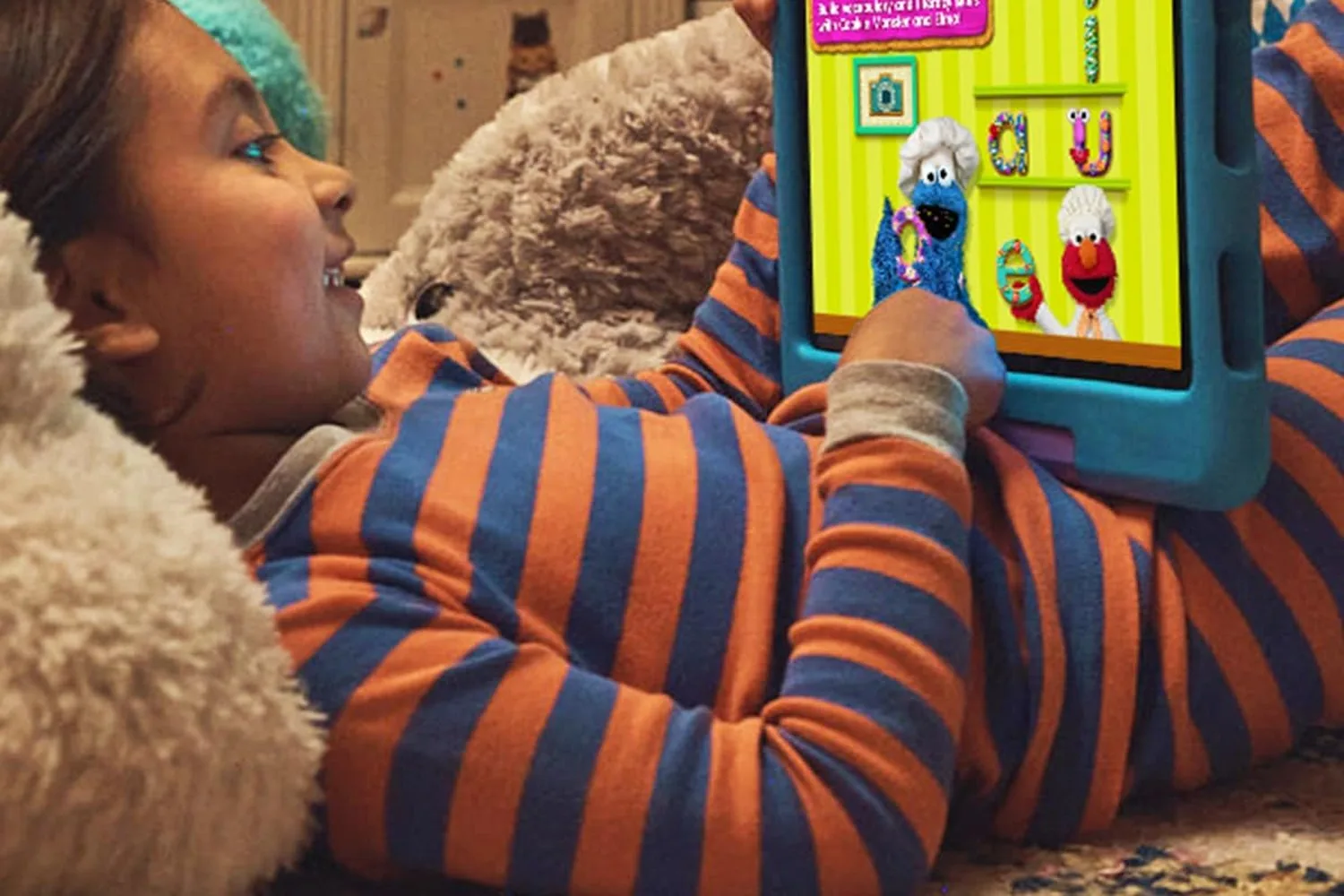
Amazon Fire HD 10 Kids Tablet (newest gen)
Amazon Fire HD 10 Kids Tablet (newest gen) by Amazon
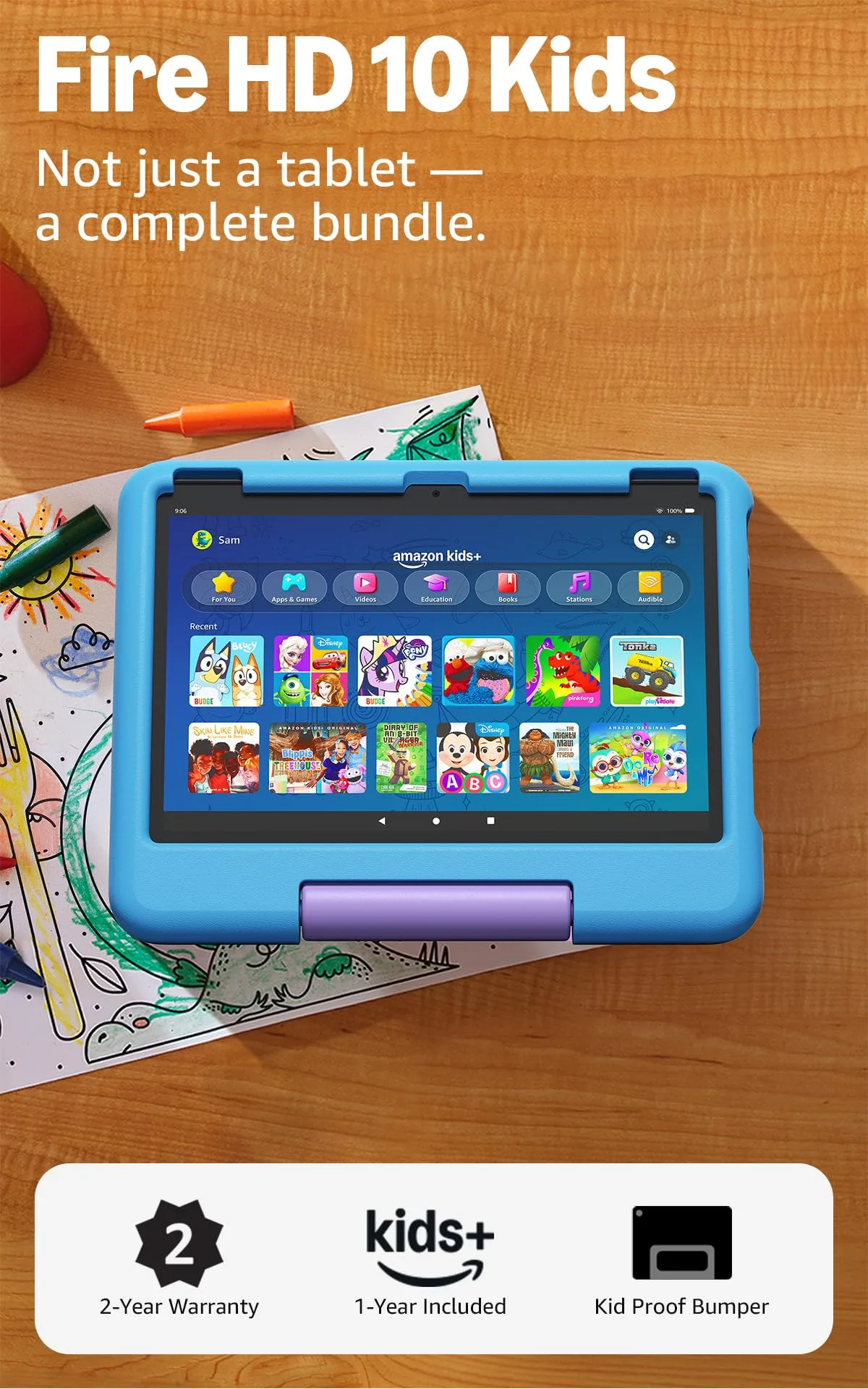
The tablet we stopped worrying about after the first flight: full-day battery, a two-year accidental damage guarantee and parental controls set once and left alone.
Overview
We packed the Fire HD 10 Kids on three trips before we stopped thinking about it. The tablet absorbed itself into the travel kit without causing a scene: not at the gate, not at 38,000 feet, not at a beach resort with intermittent WiFi. A 10.1-inch 1920 × 1200 screen, a foam case that survives being sat on by something heavier than a four-year-old, and parental controls configured on the first evening and never revisited. That is the shape of the experience, and for the 3–7 age group Amazon targets, it is a coherent one.
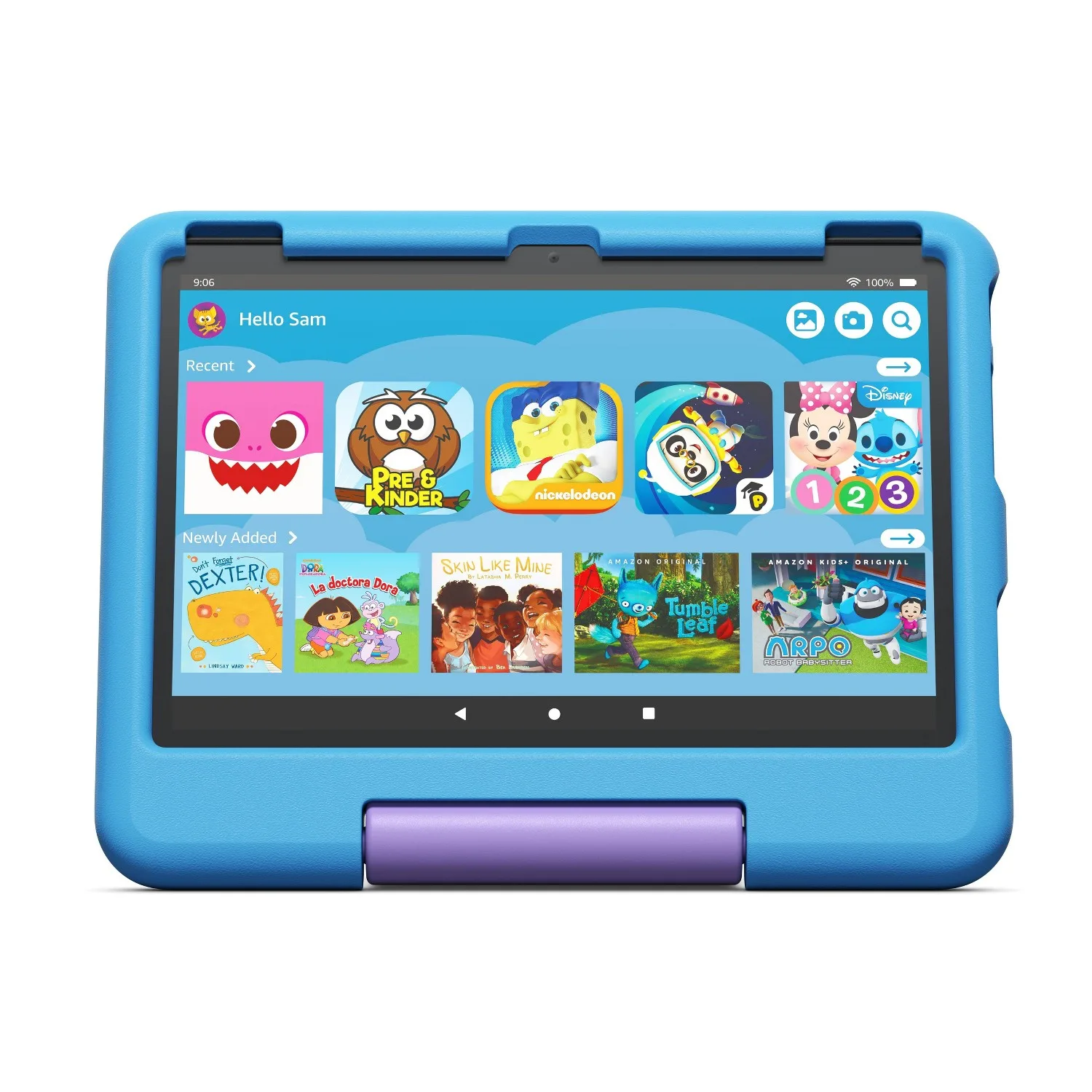
The 2023 model (13th generation, ASIN B0CXKWQP3H) is the current production unit on amazon.de. Listed at approximately €179, it is available from third-party DE retailers from €159.90. Amazon Kids+ is included for the first year: 20,000+ curated apps, books, videos and Audible titles, ad-free and filtered by age profile. After year one the subscription runs €7.99 per month, or €4.99 for Prime members. Worth knowing before you buy, since the parental-control ecosystem is built around it.
Why It’s Great for Family Travel
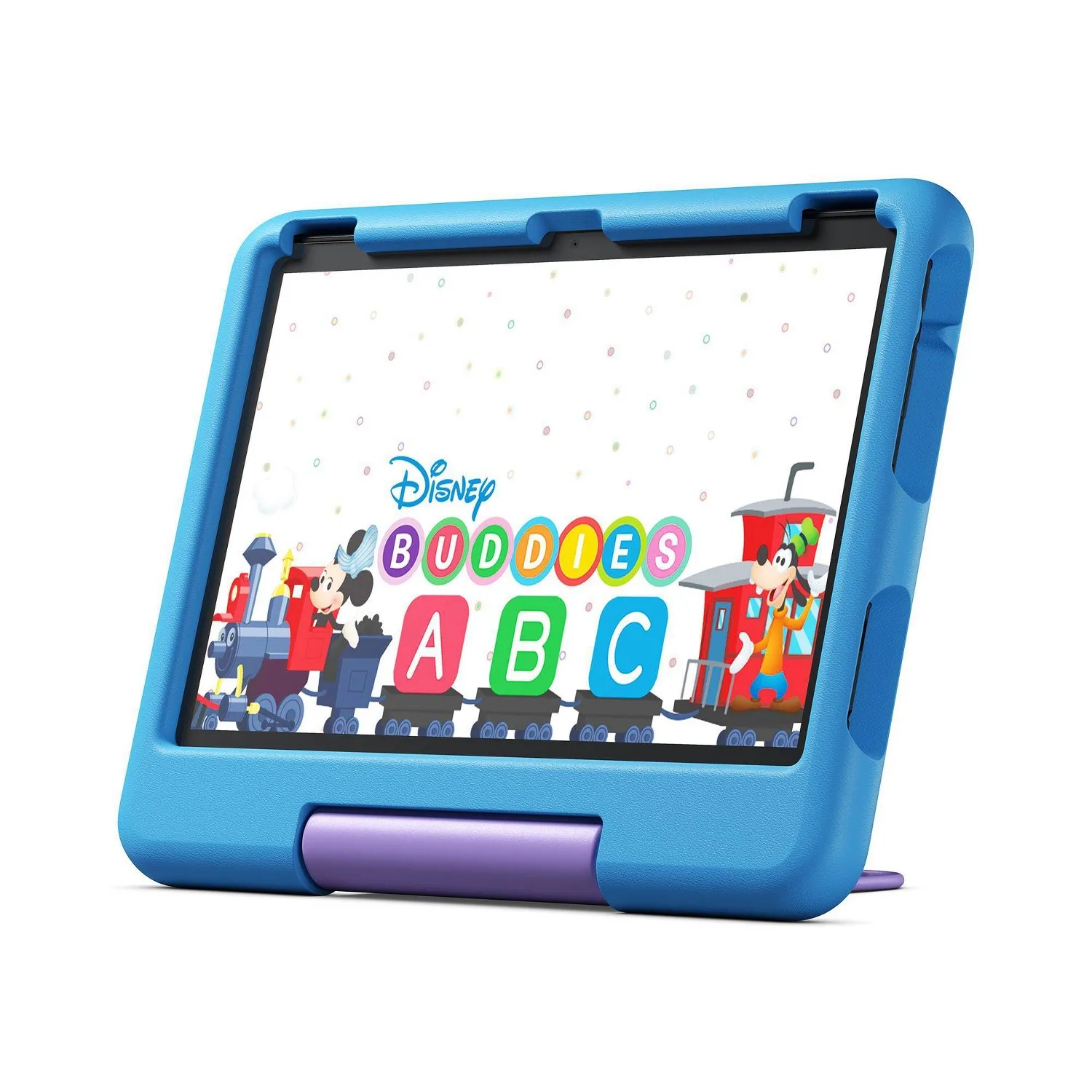
Screen size is the first variable that actually matters on a long-haul flight. At 10.1 inches and 1920 × 1200 resolution, this is large enough for two children to share across a seat armrest without squinting or arguing about who is closer to the picture. Smaller kids’ tablets at 7–8 inches feel cramped during a feature film. The 10-inch format does not. Indoor brightness is comfortable for cabin environments; direct sunlight is a different matter, which we will come to.
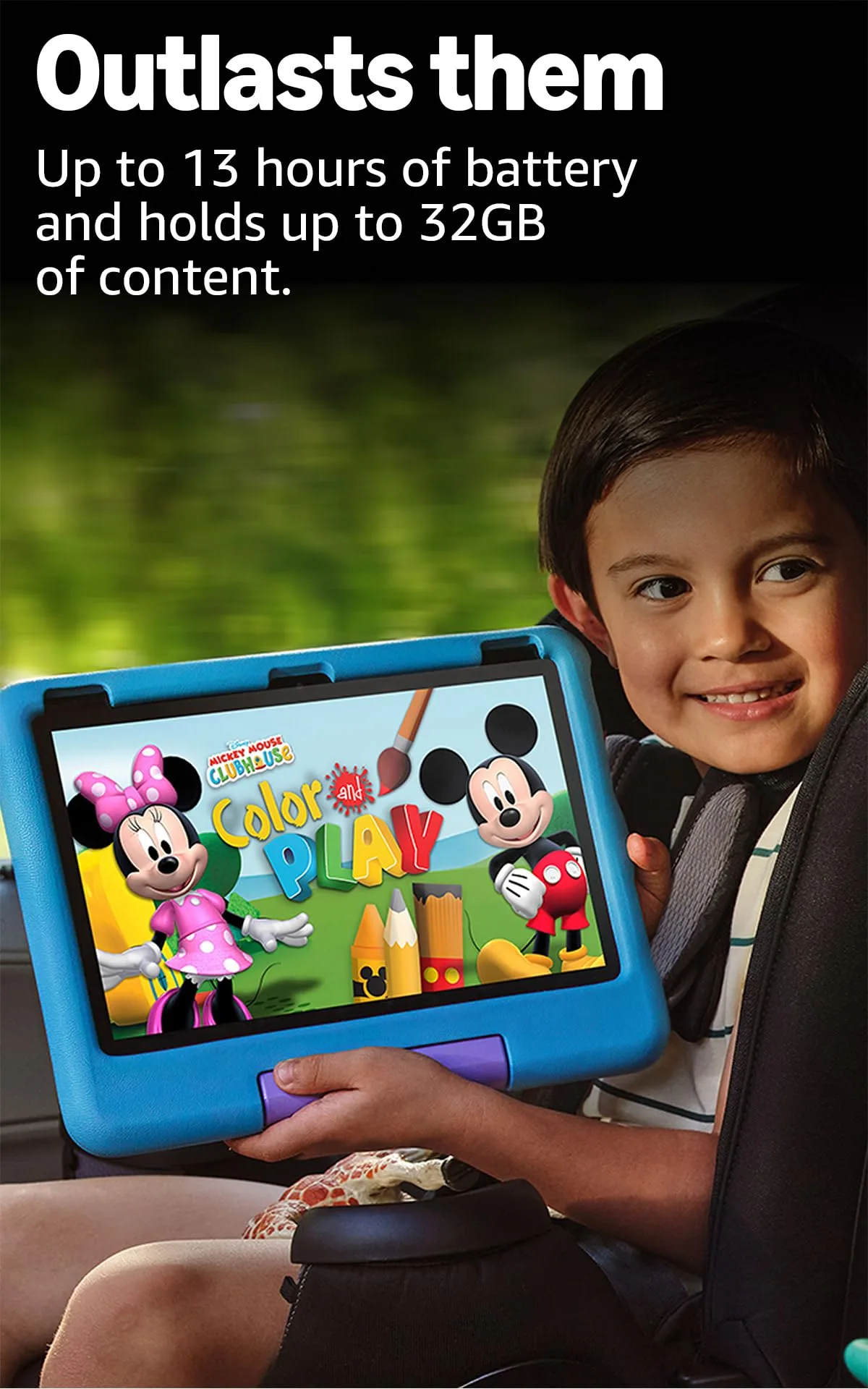
Battery performance determines whether a travel tablet actually works. Amazon’s marketing claim is 13 hours. TechGearLab’s 2024 formal test returned 9 hours 26 minutes at full screen brightness, ranking the Fire HD 10 Kids first among 12 kids’ tablets they tested. The practical figure for a child streaming video at 80 percent brightness: somewhere between those two numbers. On a 10-hour transatlantic flight, charged the night before, it made it to the hotel without needing a top-up, and the battery question stopped mattering for the rest of that trip.
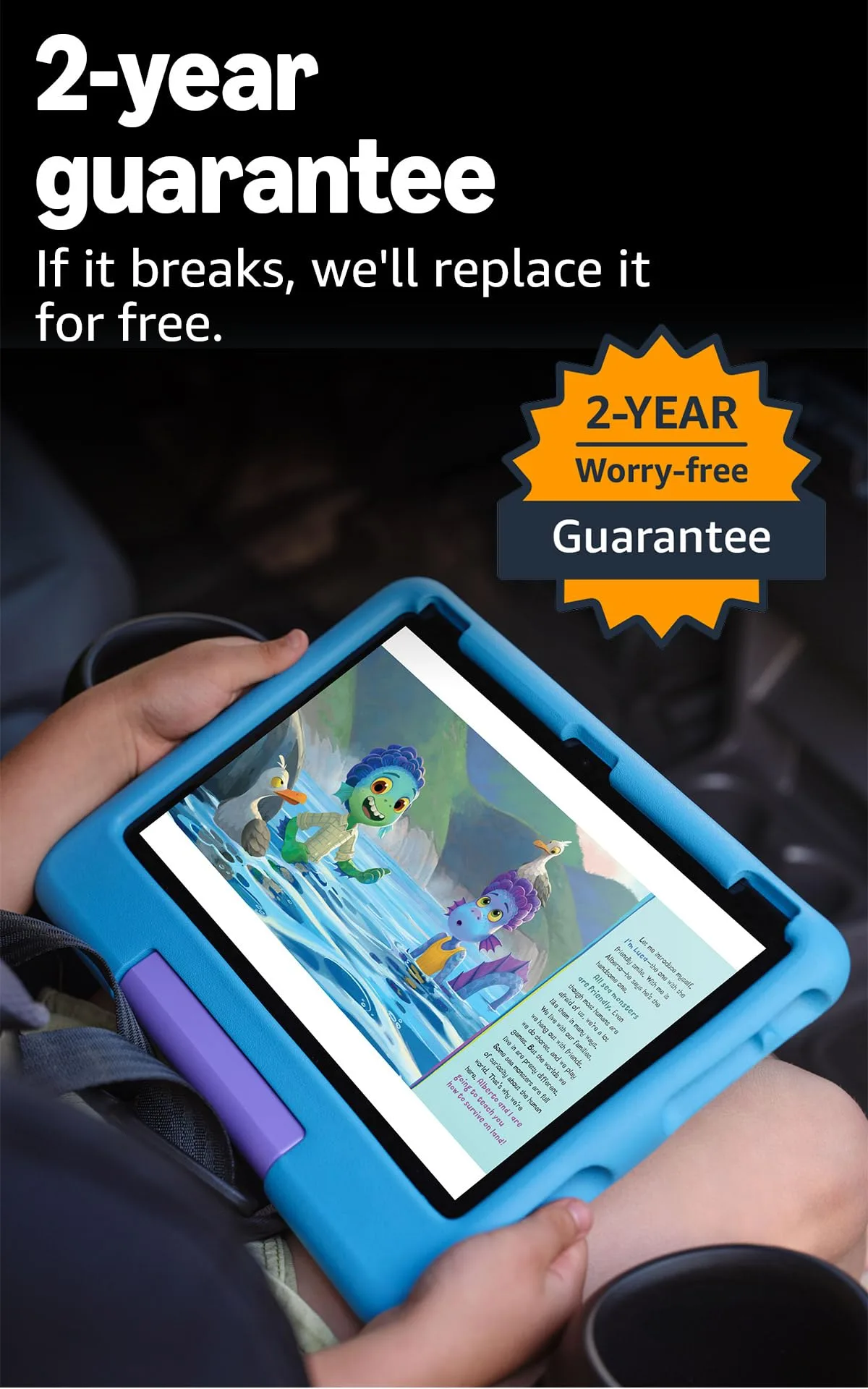
The 2-year worry-free guarantee is not a small thing. It covers accidental damage, cracked screens included, at no extra charge, with Amazon replacing the device outright within the two-year window. For a device handed to a three-year-old on a sandy beach holiday, this removes a category of parental anxiety that otherwise sits beneath every pool moment and cobblestone crossing.
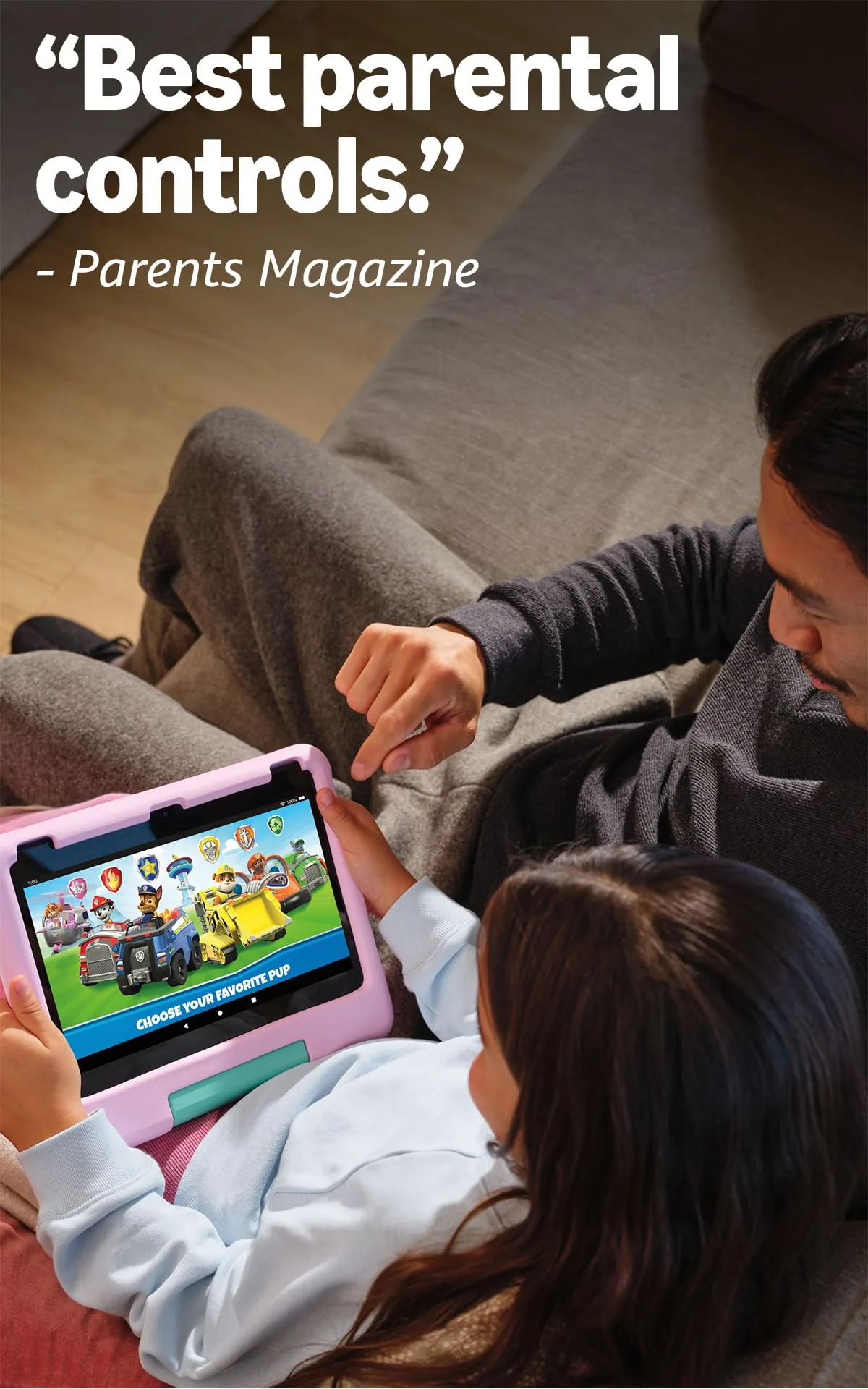
Amazon Kids+ parental controls are consistently rated at the top of the category by professional reviewers. Screen-time limits, bedtime cutoffs, content-age filters, per-app approvals and a volume limiter are all remotely configurable from a parent’s mobile. The volume limiter in particular is underrated: useful on overnight trains, in hotel corridors and at 5am when a child finds the tablet before their parents do. Setup takes roughly 15 minutes. Default age-filter settings are adequate but imperfect: ComputerBase.de’s 2024 review found that automatic content ratings do not always match what parents want, so ten minutes of manual adjustment on the first evening is time well spent.
Real-World Use (Airport / Car / Hotel)
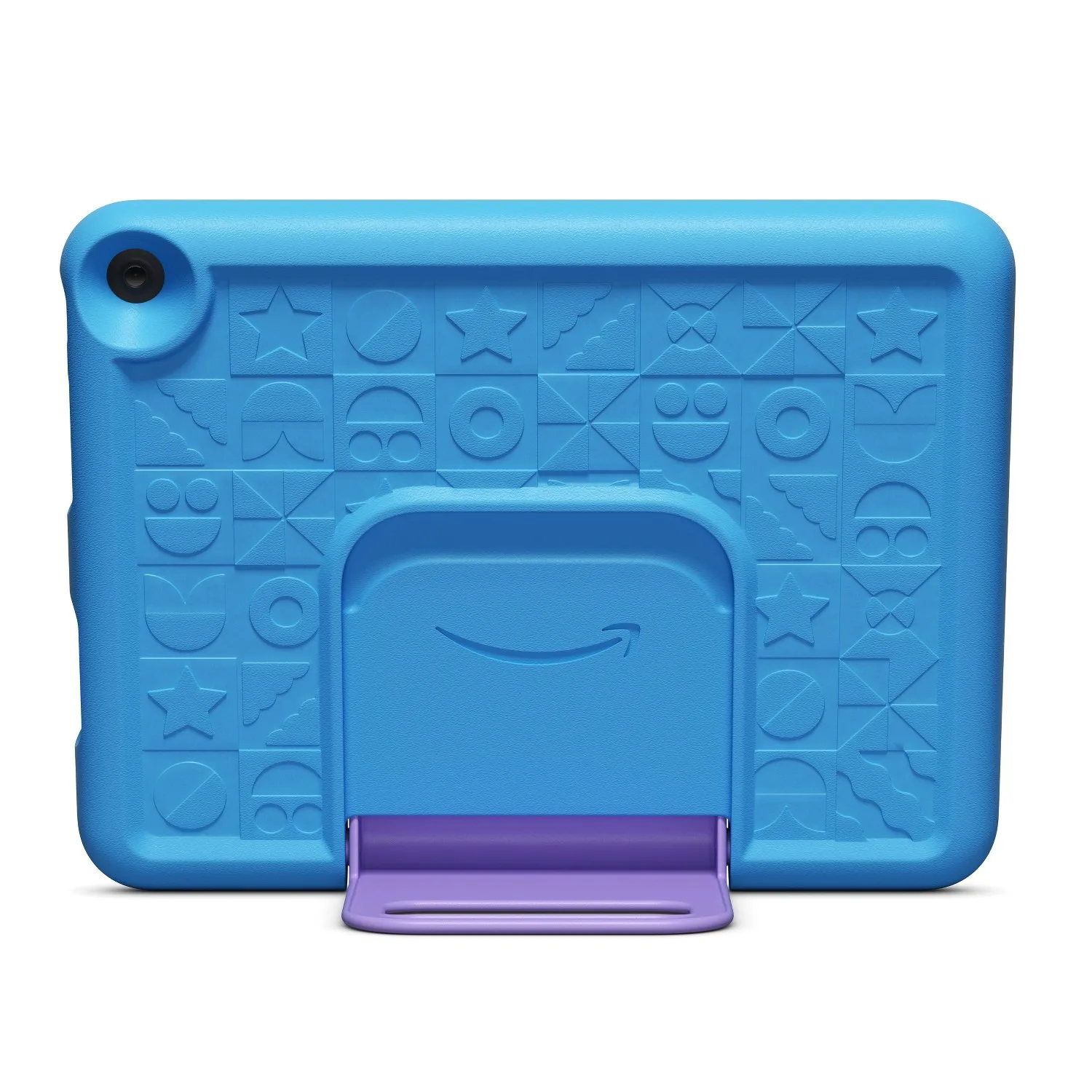
At the airport, the kickstand handle is the detail we kept returning to. It propped the tablet at a comfortable viewing angle on a waiting-area seat arm, a gate chair and an airplane tray table, without any separate stand. The 266.7 × 208 mm footprint with the case fits into a standard cabin-bag side pocket, which means it travels in the same compartment as the snacks and spare headphones rather than needing its own bag slot.
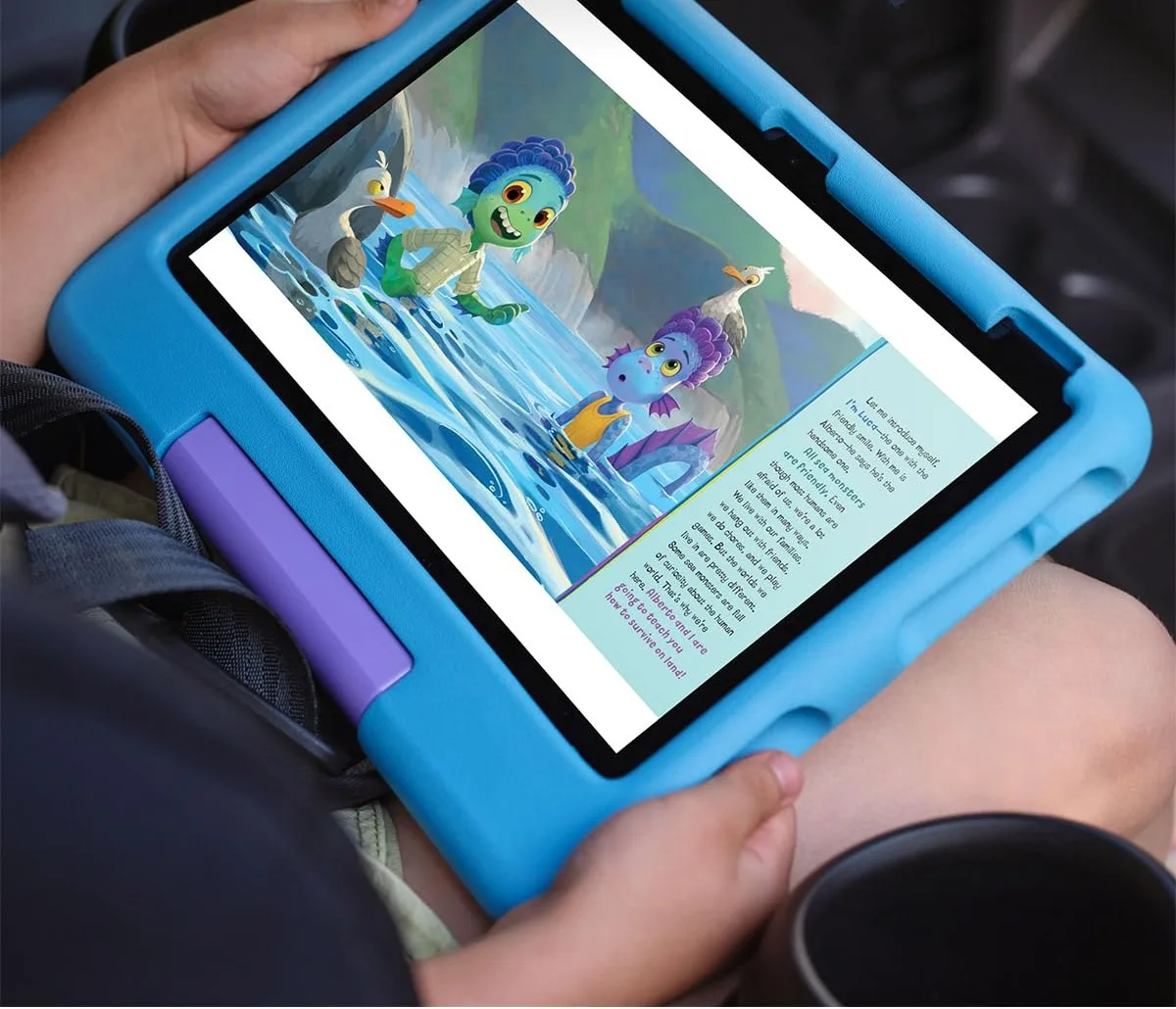
The foam case is real protection. TechGearLab awarded it a 9.1 durability sub-score; MakeUseOf’s reviewer described it surviving being bumped, knocked over and sat on without damage. One Best Buy customer bought an aftermarket thicker case and reported being satisfied with the result. For most four-year-olds the included case is sufficient; for the roughest three-year-olds, a heavier aftermarket option is a reasonable precaution rather than a criticism of the hardware.
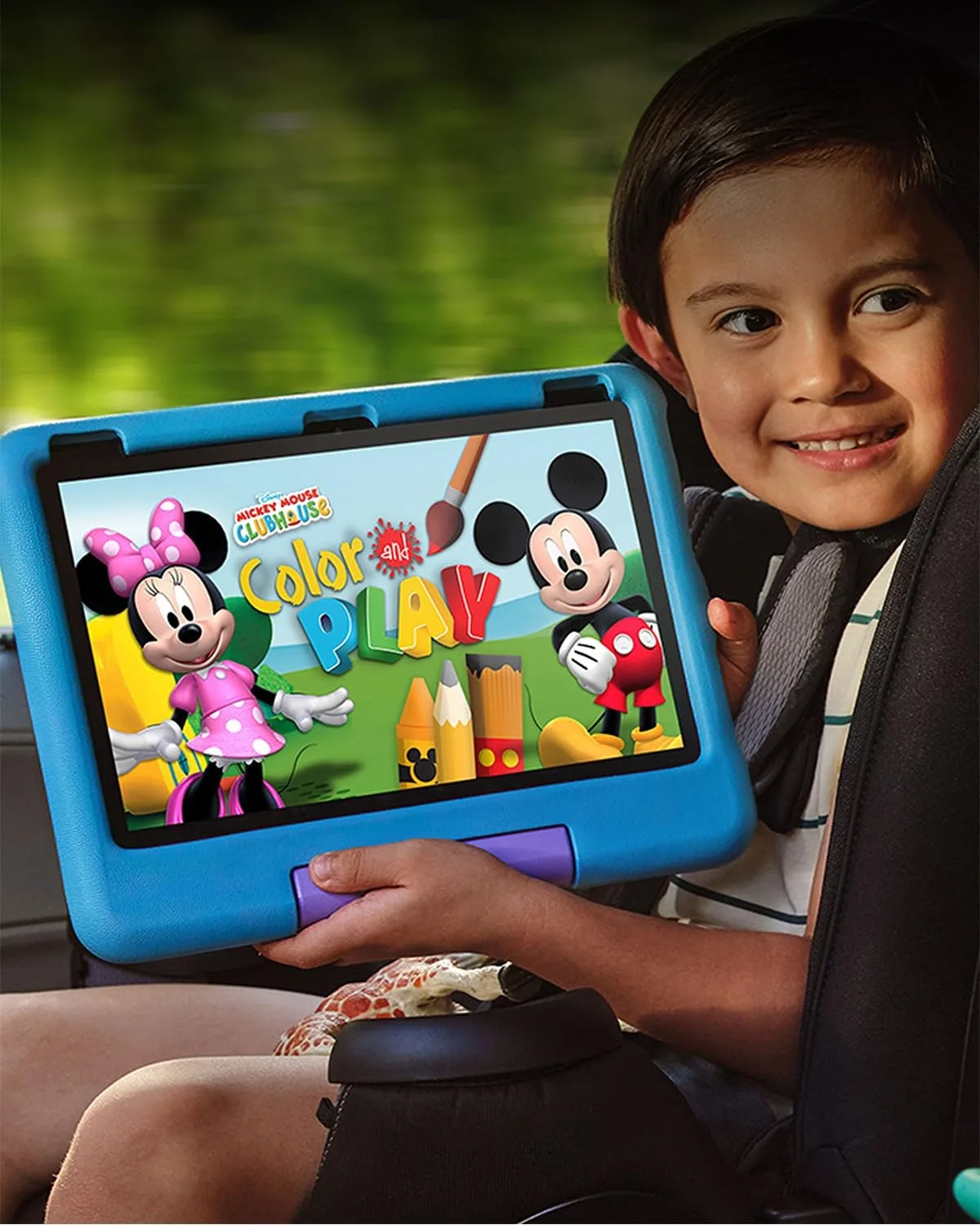
In the car, weight is the honest constraint. The tablet with case is 674 grams. A five-year-old can hold it for 40 minutes; a three-year-old on a two-hour drive will want a tray table, a car-seat organiser or a lap before long. A clip-style headrest mount costs very little and solves this directly, so it is worth sourcing before the first road trip if car travel is where your children spend most of their hours.
At the hotel, offline capability is where the device earns its place in the bag. Downloaded Kids+ content, including videos, audiobooks and games, runs without WiFi, which matters at resorts with slow or firewalled connections. One operational friction worth knowing: changing parental control settings remotely requires internet access for the parent dashboard. Hotel WiFi is not always reliable for backend calls of this type. The practical fix is a personal hotspot, which most traveling parents carry anyway.
Outdoor use on a pool terrace or ski slope is the one context where the LCD display genuinely struggles. No brightness setting fully compensates for direct sunlight. HowToGeek’s reviewer flagged this specifically, and our own poolside experience confirmed it: the screen washes out enough that a child loses interest. For a device that will spend most of its time in a cabin, a hotel room or a shaded car seat, this does not matter. For families planning outdoor use as the primary context, it is a real limitation.
Specs That Actually Matter
- Display: 10.1-inch IPS LCD, 1920 × 1200 (WUXGA), 224 ppi, 60 Hz.
- Processor: MediaTek MT8186; 2× Cortex-A76 @ 2.05 GHz + 6× Cortex-A55 @ 2.00 GHz.
- RAM / Storage: 3 GB RAM; 32 GB internal; microSD expandable to 1 TB.
- Battery: 4,850 mAh; Amazon-rated 13 hours; TechGearLab-measured 9 h 26 min at full brightness.
- Weight: 434 g tablet only; 674 g with foam bumper case.
- Dimensions with case: 266.7 × 208.0 × 26.9 mm.
- Connectivity: Wi-Fi 5 (802.11ac), dual-band 2.4 + 5 GHz; Bluetooth 5.3; USB-C 2.0; 3.5 mm headphone jack.
- Case: Rubberised foam bumper with integrated kickstand and carrying handle; available in blue, pink and Disney variants.
- Age suitability: Amazon-recommended ages 3–7.
- Warranty: 2-year worry-free guarantee; covers accidental damage including cracked screens at no extra charge.
- Content: 1 year Amazon Kids+ included; €4.99/month thereafter (€3.99 for Prime members).
Five Apps That Earn Their Screen Time
Settle one thing before the first flight: Fire OS installs from the Amazon Appstore, not Google Play, and the year of Amazon Kids+ bundled with the tablet is a third library again. Kids+ holds up well on the things parents actually check, with no advertising, no in-app purchases, no outbound links to the wider web, and content that downloads for use with the WiFi switched off. The catch is that Amazon publishes no complete public list of what the subscription contains, and none of the five apps below appear to be inside it. Each one installs from the Appstore under the adult profile and is then shared into the child profile through the Parent Dashboard.
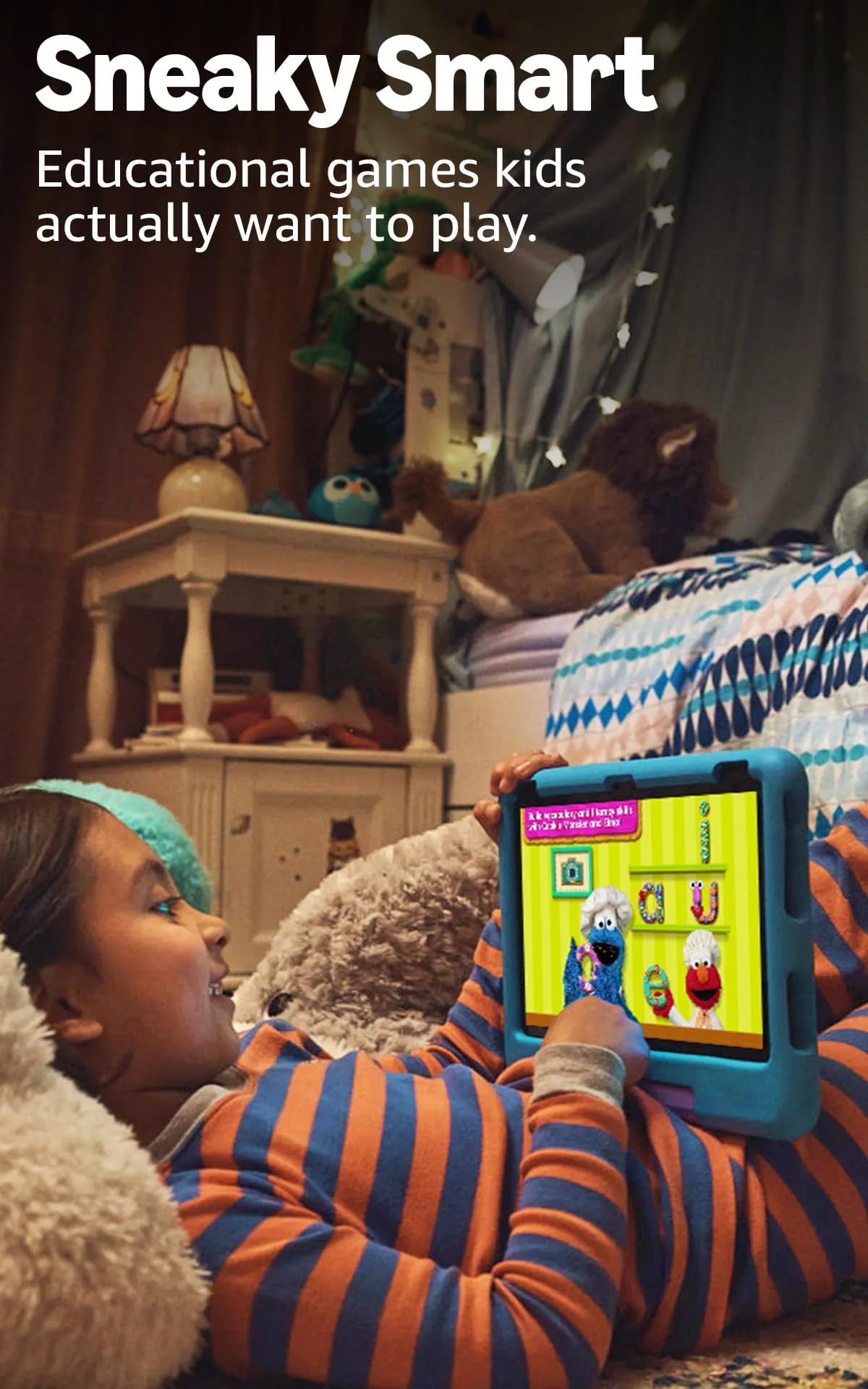
Khan Academy Kids (ages two to eight, free) is the one to install first. The non-profit behind it built the app with the Stanford Graduate School of Education and aligned it to Head Start early-learning goals, covering phonics, early maths, logic and social-emotional material without charging for any of it or running a single advert. Common Sense Media places its educational value at the top of its scale. Books and games download for offline play, a capability the developer states outright rather than leaving parents to discover it at the gate.
ScratchJr (ages five to seven, free) carries the strongest research record of the five. It came out of the MIT Media Lab and Tufts University on National Science Foundation funding, and the classroom curriculum built around it was evaluated in a cluster-randomised controlled trial that found gains in coding skill and in literacy scores. One caveat for Fire owners: the Amazon build is version 1.4.16 and rates well below the iOS and Android editions, so expect a rougher app than the underlying research deserves.
Thinkrolls (ages three to eight, one-time purchase) buries physics inside 207 puzzles. Children work out gravity, buoyancy, heat and friction by testing them instead of reading about them, across an easy and a hard track that stretch the same set of ideas from preschool to roughly age eight. Children’s Technology Review gave it an Editor’s Choice with a 94 percent rating, and it runs with no connection at all, which is the property that counts somewhere over the Atlantic.
Zoombinis (ages eight to twelve, one-time purchase) is the pick for an older sibling, and the evidence behind it is unusually concrete. TERC, a non-profit education research group, took roughly 1.9 million dollars of National Science Foundation funding for a three-year study of how the game develops computational thinking, published in Computers in Human Behavior. Twelve puzzle types at four difficulty levels each mean it survives a long trip instead of a single afternoon.
Stack the Countries (ages eight and up, one-time purchase) drills 193 countries with their capitals, flags, landmarks and outlines, drawn to correct size relative to one another. Common Sense Media rates its educational value highly. It is also the thinnest of the five on formal recognition: we found no award we could verify independently, so treat it as a well-reviewed geography trainer rather than a studied one.
Two honest footnotes. The app with the best measured learning outcome we came across is not on this tablet at all: Slice Fractions, whose independent evaluation at the Universite du Quebec a Montreal recorded a 10.5 percent improvement on TIMSS test items after around three hours of play, remains an iOS and Android title. And codeSpark Academy, which Amazon confirms sits inside Kids+, was developed with input from MIT, Princeton and Carnegie Mellon, so the bundled year is far from hollow even though our own five fall outside it.
Pros & Cons
Pros
- 10.1-inch 1080p screen: large enough to share across an airplane seat armrest.
- Real-world battery covers a full travel day without a recharge stop.
- 2-year accidental damage guarantee is the strongest warranty in this category.
- Parental controls include volume limiter, bedtime cutoffs and a remote dashboard.
- Downloaded content (apps, videos, audiobooks) works offline without WiFi.
- Kickstand handle props on tray tables without a separate stand.
- 32 GB storage with microSD expansion to 1 TB for pre-loaded offline content.
Cons
- No Google Play Store: no native YouTube app, Google Meet or Google Workspace access.
- 674 g with case is a genuine weight for 3–4 year-olds on long flights without a tray table.
- LCD display washes out in direct sunlight (pool terrace, ski slope, outdoor use).
- 9W included charger takes approximately 4 hours for a full charge; no fast-charging support.
- Remote parental control changes require internet access; hotel WiFi can be unreliable for this.
- Amazon Kids+ subscription costs €7.99/month (€4.99 with Amazon Prime) after the included first year.
FFH Gear Score
- Functionality: 7.9 / 10.
- Build Quality & Durability: 8.5 / 10.
- Ease of Use: 8.7 / 10.
- Family Practicality: 8.3 / 10.
- Pricing: $$ of $$$$$.
- FFH Gear Score: 8.3 / 10.
Final Verdict
At €179 for a 10-inch tablet with a two-year accidental damage warranty and a year of curated content included, the purchase case is direct. The Samsung Galaxy Tab A8 offers comparable hardware at a similar price without the kids ecosystem. The entry iPad is €379 and arrives without a protective case or parental controls designed for this age group. The Fire HD 10 Kids is not the best tablet on the market: it runs a locked-down OS, weighs 674 grams with its case, fails in direct sunlight and has no native Google application. What it is: a well-built, well-warranted, content-stocked device that a four-year-old can operate independently on a plane while their parents read something that does not involve talking animals.
The Google Play gap is the one structural limitation that warrants a decision before buying. Families whose children use Google Workspace for school will find this device works as a travel supplement rather than a primary tablet. For families whose children’s travel entertainment needs are covered by Amazon’s own ecosystem, the gap is a manageable inconvenience.
Buy it for the 3–7 window. Set up the parental controls before the first trip, and spend ten minutes adjusting the age filters beyond the defaults. Keep the Kids+ subscription for as long as the content library earns its cost. And charge it fully the night before departure: Amazon’s 13-hour rating and TechGearLab’s 9.5-hour measurement are both correct depending on screen brightness. At maximum brightness on a long-haul film, expect the lower number.
Gallery
Amazon Fire HD 10 Kids Tablet: Frequently Asked Questions
Who is the Amazon Fire HD 10 Kids Tablet best for?
Families with children aged 3–7 who need a dedicated travel entertainment device with strong parental controls and no dependency on Google services. The device works best as a self-contained kids’ entertainment system for flights, car journeys and hotel downtime, with downloaded content available offline and screen-time limits set remotely. It is less suited to children who depend on Google Workspace or YouTube for school, since neither is available through the Amazon Appstore.
What ages does the Fire HD 10 Kids actually work for in practice?
Amazon’s official target age is 3–7. In practice, the large screen and foam handle make it usable with light parental help below three. Above seven, children may outgrow the Kids+ content library; the standard Fire HD 10 (same hardware, no kids ecosystem) is the natural step up. Amazon also offers the Fire HD 10 Kids Pro (ages 6–12) on the same hardware platform with older-skewing content profiles, if the transition age is a concern before purchase.
How long does the battery actually last on a long-haul flight?
Amazon rates the battery at 13 hours. TechGearLab’s 2024 formal test measured 9 hours 26 minutes at full screen brightness, which was the longest battery life among 12 kids’ tablets they tested that year. At 80 percent brightness streaming video, expect 10–11 hours. This covers most transatlantic routes (8–11 hours flight time) when the tablet is fully charged the night before. The included 9W charger takes approximately 4 hours for a full charge from empty; a 15W USB-C charger (not included) reduces this to under 3 hours.
Does the Fire HD 10 Kids work completely offline on a flight?
Yes, for downloaded content. Apps, videos, audiobooks and games from Amazon Kids+ that are downloaded before the flight work without any WiFi connection. The 32 GB internal storage holds a substantial offline library; a microSD card expands capacity to 1 TB. Parental controls already configured on the device (screen-time limits, bedtime cutoffs, content filters) enforce offline as well. The one WiFi-dependent function is the remote parent dashboard: changing parental settings from a parent’s phone requires an internet connection, which means a personal hotspot if hotel WiFi is unreliable.
Why is there no YouTube or Google Play on this tablet?
The Fire HD 10 Kids runs Fire OS 8, Amazon’s Android-based operating system, which does not include Google Play Services or the Google Play Store. This means no native YouTube app, no Google Maps, no Google Meet and no Google Workspace applications. The Amazon Appstore carries alternatives for many casual use cases. Technically, sideloading Google Play is possible but is not supported by Amazon, can affect the warranty and may interfere with parental control integrity. If Google services are essential, this is a fundamental hardware incompatibility rather than a software workaround.
What does the Amazon Kids+ subscription cost after the first year?
Amazon Kids+ is included free for one year from device activation. After that, the cost in Germany is €7.99 per month without Amazon Prime, or €4.99 per month for Prime members. Without an active Kids+ subscription, the curated content library and age-content filtering are significantly reduced, removing a large part of the device’s core value. The subscription auto-renews; cancellation is managed through the Amazon parent dashboard. Annual billing is available and reduces the effective monthly cost.
How does the Fire HD 10 Kids compare with the Toniebox and Yoto Player for family travel?
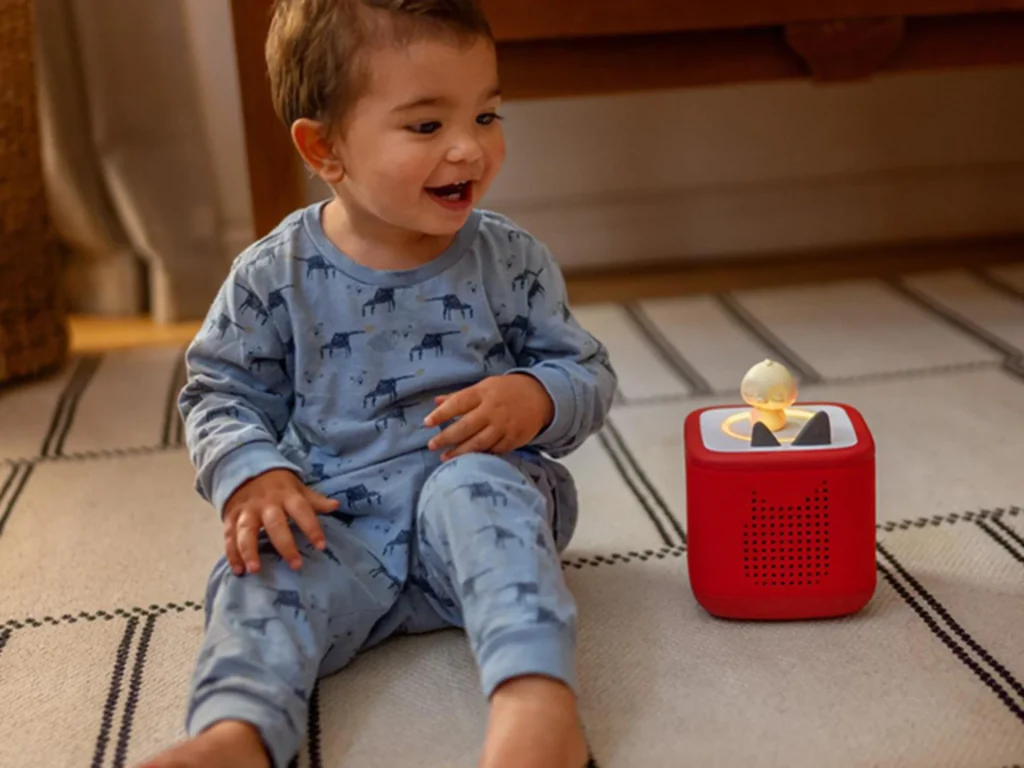
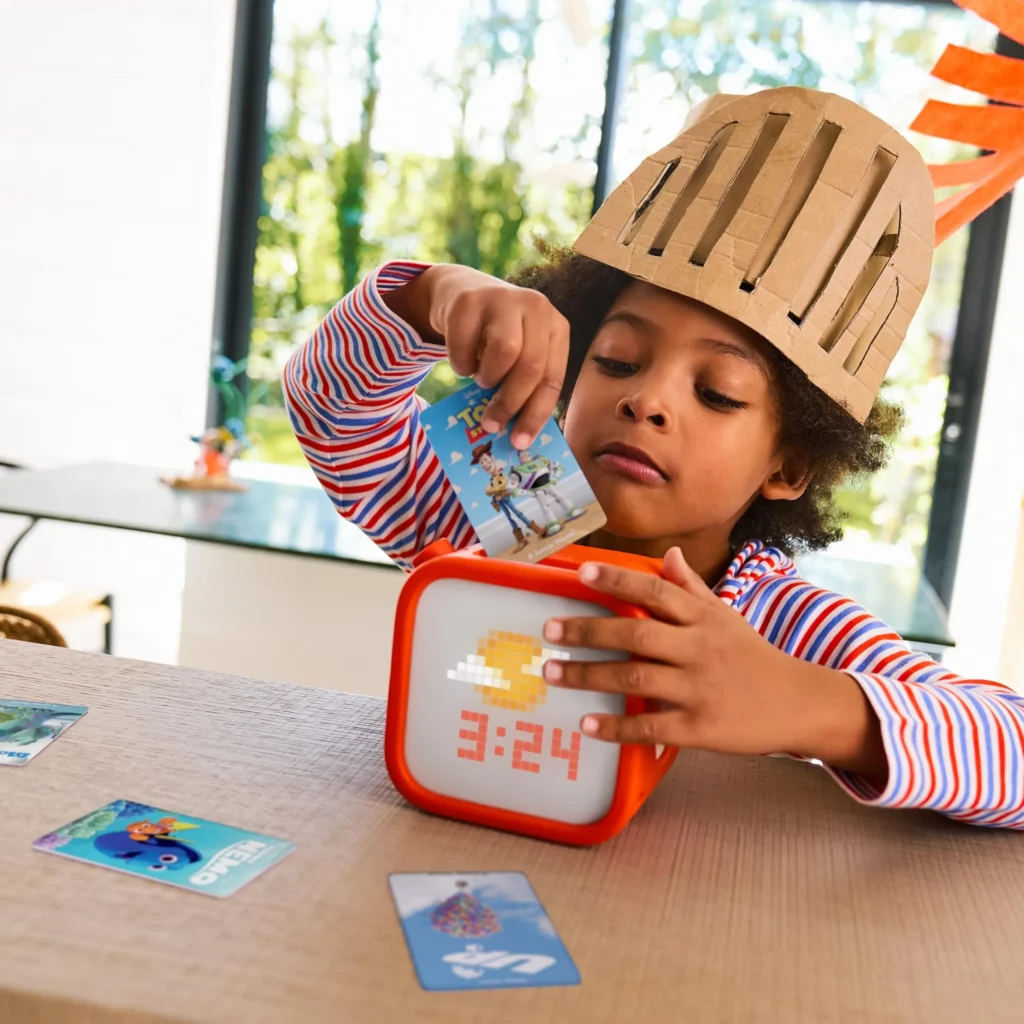
All three serve children’s travel entertainment but in different roles. The Toniebox and Yoto Player are screen-free audio devices: stories, music and podcasts, with no video content and no parental screen-time pressure. They are better suited to children under three, bedtime listening and contexts where limiting screen time is a priority. The Fire HD 10 Kids adds video, apps and a visual interface, making it more versatile on long flights but requiring more active screen-time management. A family with children across a spread of ages may find these complement each other rather than compete.
What are the main travel-specific limitations of this tablet?
Four limitations matter in the field. The 674 g weight with case challenges children aged 3–4 on long flights without a tray table; a headrest mount solves this in the car but aircraft seat geometry varies. The LCD screen washes out in direct sunlight, limiting pool and ski-terrace use. The 9W charger takes approximately 4 hours for a full charge, which is slow at hotel checkouts or time-pressured airports. And the parental dashboard requires internet access for remote control changes, making a personal hotspot the reliable backup when hotel WiFi is firewalled. None of these disqualifies the device for its primary role: an indoor and in-flight entertainment system.